URLを整形する
ここまでブログシステムの開発進めるとページのリンクが下記の様になっている
・記事インデックス
http://localhost/index.php?r=post/
・記事詳細ページ
http://localhost/index.php?r=post/view&id=1&title=Welcome%21%21#c9
上記のURLを下記のURLでアクセス出来るように修正する
・記事インデックス
http://localhost/post/index.html
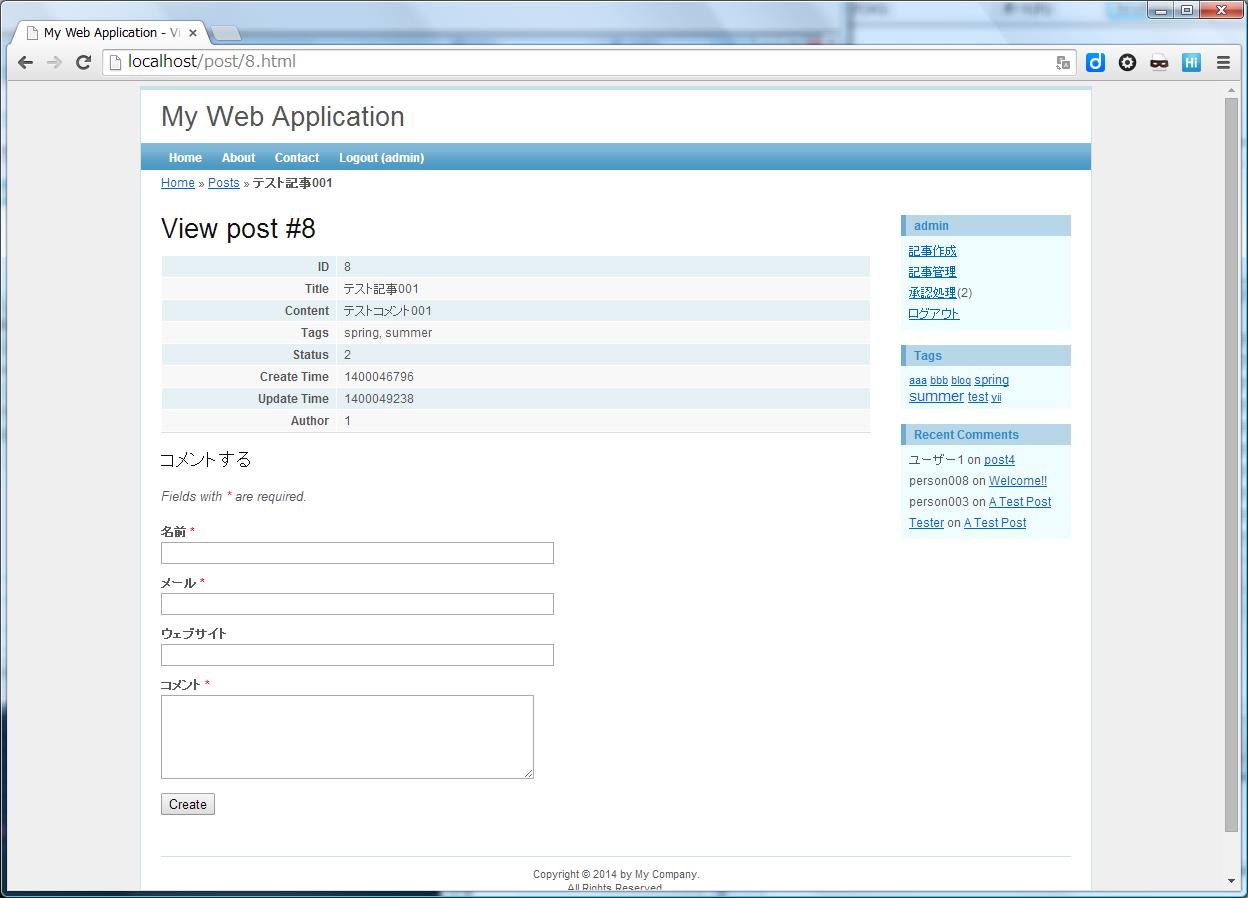
・記事詳細ページ
http://localhost/post/8.html
URL書き換え
■手順:
1.【.htaccess】を作成
2.【main.php】を修正
■【.htaccess】を作成
RewriteEngine on

# ディレクトリまたはファイルが存在する場合は、それを直接に使う
RewriteCond %{REQUEST_FILENAME} !-f
RewriteCond %{REQUEST_FILENAME} !-d

# それ以外は index.php に転送する
RewriteRule . index.php
■【main.php】を修正
    ・・・

		'urlManager'=>array(
			'urlFormat'=>'path',
			// index.phpを省略
			'showScriptName'=>false,
			// URLの末尾".html"を付与
			'urlSuffix'=>'.html',
			// 書き換えルール
			'rules'=>array(
				'<controller:\w+>/<id:\d+>'=>'<controller>/view',
				'<controller:\w+>/<action:\w+>/<id:\d+>'=>'<controller>/<action>',
				'<controller:\w+>/<action:\w+>'=>'<controller>/<action>',
			),
		),

		・・・
findRecentComments()メソッドをCommentモデルに追加するする
  ・・・
  /**
   *
   * 直近のコメントを取得
   *
   **/
  public function findRecentComments($limit = 10)
  {
    return $this->with('post')->findAll(
      array(
        'condition'=>'t.status='.self::STATUS_APPROVED,
        'order'=>'t.create_time DESC',
        'limit'=>$limit,
      )
    );
  }
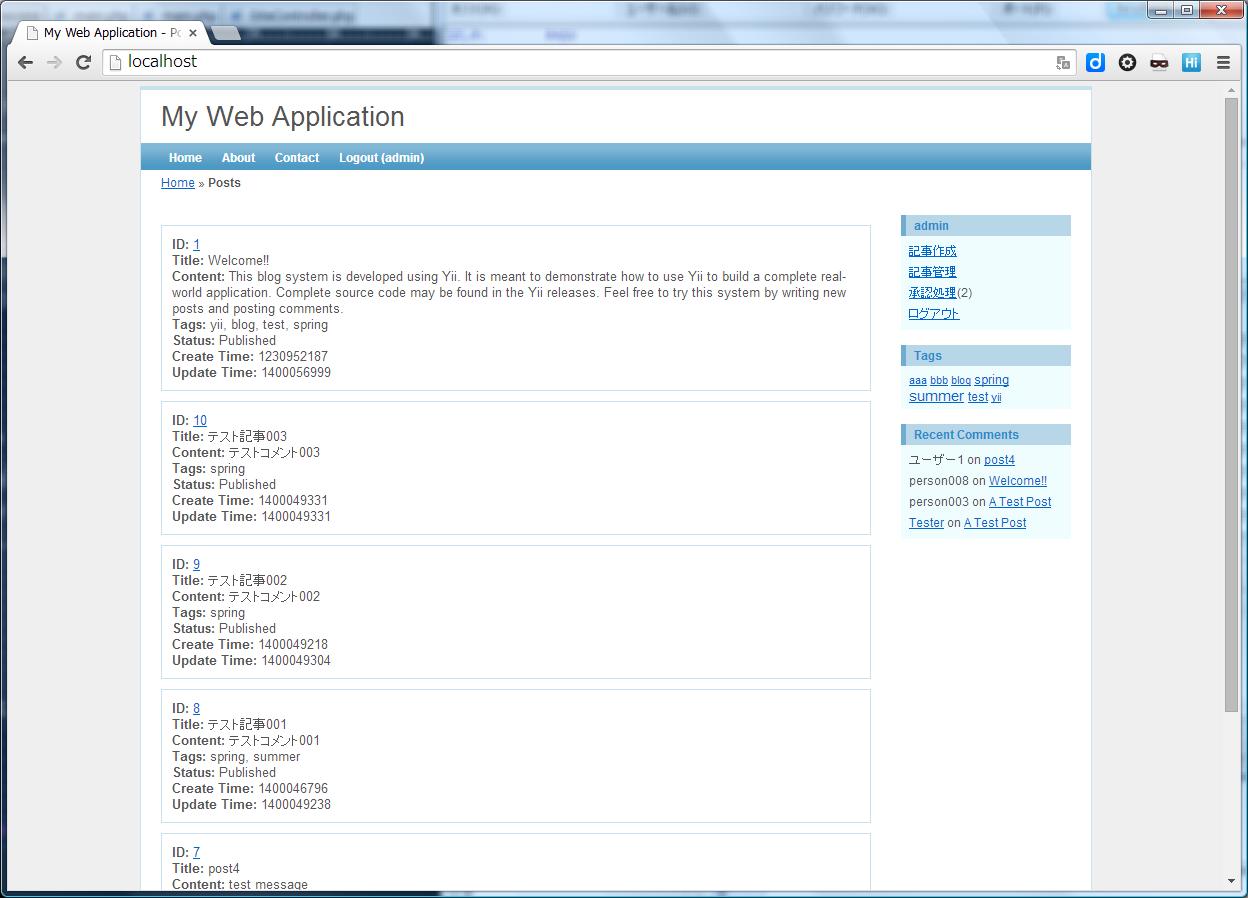
デフォルトコントローラーを設定する
【http://localhost/】にアクセスするとビューの『site/index.php』が表示される
これはデフォルトで『siteController』が呼ばれるからである
サイトの入口は記事一覧にしたい場合はconfigのmain.phpファイルを修正する
  // 記事コントローラーを呼ぶ
	'defaultController'=>'post',
■サイトトップ画面
【http://localhost/】にアクセス
■記事詳細画面
【http://localhost/post/8.html】にアクセス
参考サイト:
http://www.yiiframework.com/doc/blog/1.1/ja/final.url


