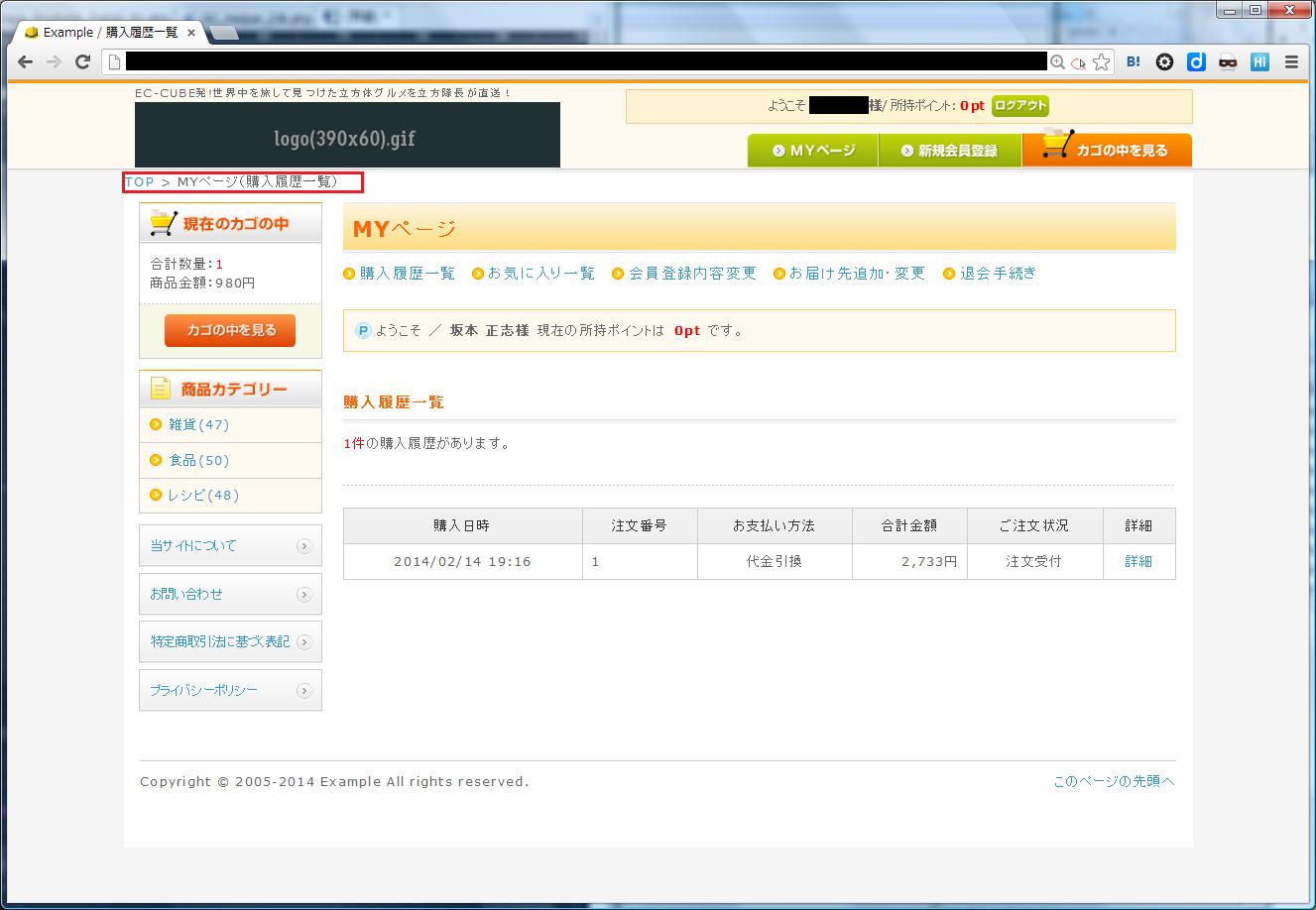
■パンくずリストを導入する
パンくずリストの実装手順
・商品一覧・詳細ページにパンくず情報を表示するための情報を取得
・管理画面からパンくずリストを表示するブロックを作成する
・続いて静的ページ用とMYページ用のパンくずブロックを作成する
・パンくずリストブロックをページレイアウトに組み込む
商品一覧ページにパンくず情報取得処理をいれる
/**
* Page のプロセス.
*
* @return void
*/
function process()
{
parent::process();
$this->action();
}
/**
* Page のAction.
*
* @return void
*/
function action()
{
parent::action();
$obj_db = new SC_Helper_DB_Ex();
$topic_path = '<a href="../">TOP</a> > ';
if($this->arrForm['category_id'])
{
// 所属する全ての階層のIDを取得する
$arr_parent_category = $obj_db->sfGetParents('dtb_category', 'parent_category_id', 'category_id', $this->arrForm['category_id']);
foreach($arr_parent_category as $ke=>$value)
{
// カテゴリの情報を取得
$obj_query = &SC_Query_Ex::getSingletonInstance();
$arr_value = array($value);
$result = $obj_query->select('category_id AS id, category_name AS name', 'dtb_category', 'category_id = ?', $arr_value);
$arr_category = $result[0];
if($value != $this->arrForm['category_id'])
{
$topic_path .= '<a href="./list'.$value.'.php">'.$arr_category['name'].'</a> > ';
}
else
{
$topic_path .= $arr_category['name'];
}
}
}
else
{
$topic_path .= $this->arrForm['name'].'の検索結果';
}
$this->TopicPath = $topic_path;
}
商品詳細ページにパンくず情報取得処理をいれる
/**
* Page のプロセス.
*
* @return void
*/
function process()
{
parent::process();
$this->action();
}
/**
* Page のAction.
*
* @return void
*/
function action()
{
parent::action();
$obj_db = new SC_Helper_DB_Ex();
$arr_category_id = $obj_db->sfGetCategoryId($this->arrProduct['product_id']);
$arr_parent_category = $obj_db->sfGetParents('dtb_category', 'parent_category_id', 'category_id', $arr_category_id[0]);
$topic_path = '<a href="../">TOP</a> > ';
foreach($arr_parent_category as $key=>$value)
{
$obj_query = &SC_Query_Ex::getSingletonInstance();
$arr_value = array($value);
$result = $obj_query->select('category_id AS id, category_name AS name', 'dtb_category', 'category_id = ?', $arr_value);
$arr_category = $result[0];
$topic_path .= '<a href="./list'.$value.'.php">'.$arr_category['name'].'</a>';
if($value != $arr_category_id[0])
{
$topic_path .= ' > ';
}
}
$this->TopicPath = $topic_path.' > '.$this->arrProduct['name'];
}
管理画面から各ページに合わせたブロックを作成する
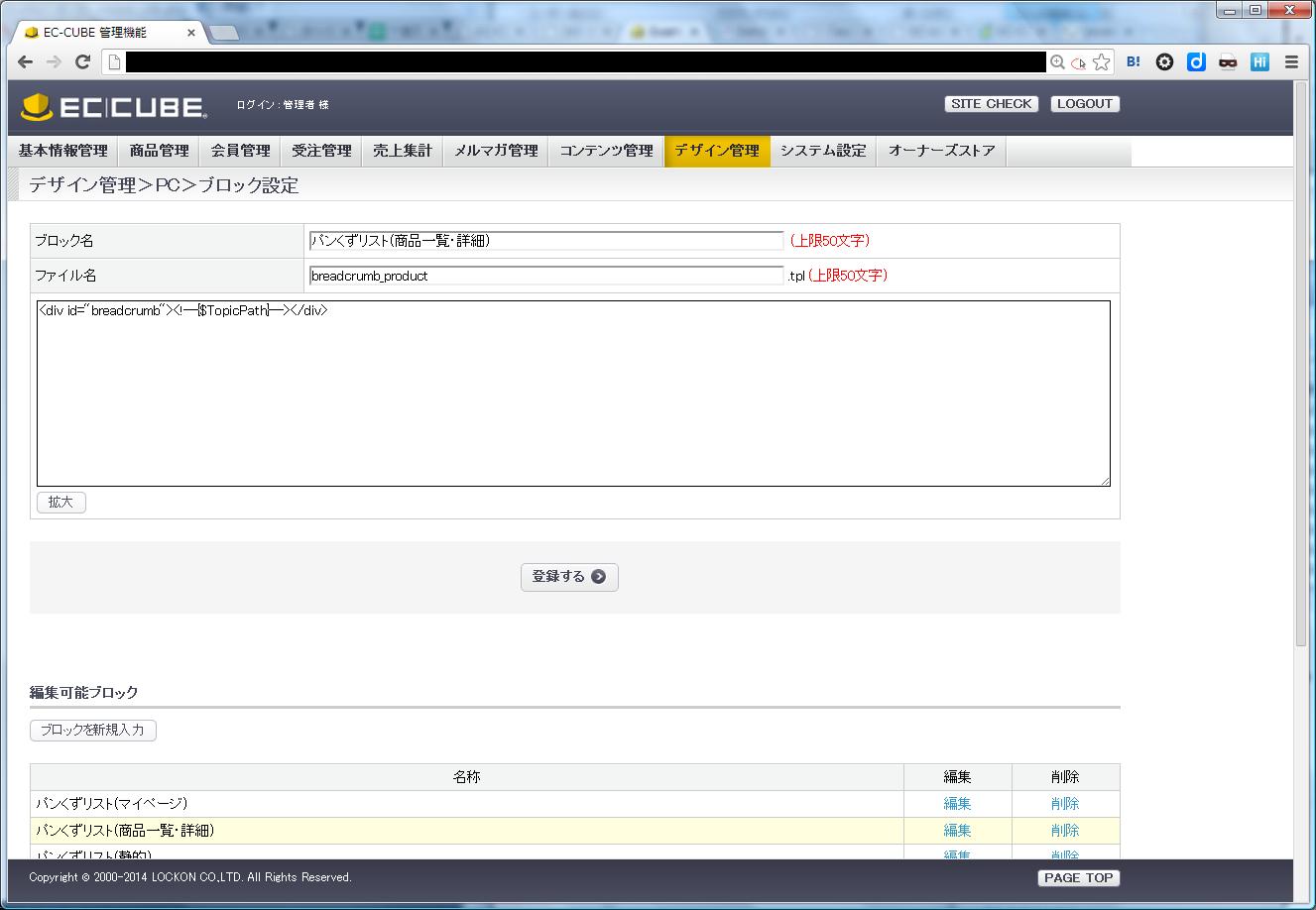
ブロック名:パンくずリスト(商品一覧・詳細)
ファイル名:breadcrumb_product
<div id="breadcrumb"><!--{$TopicPath}--></div>
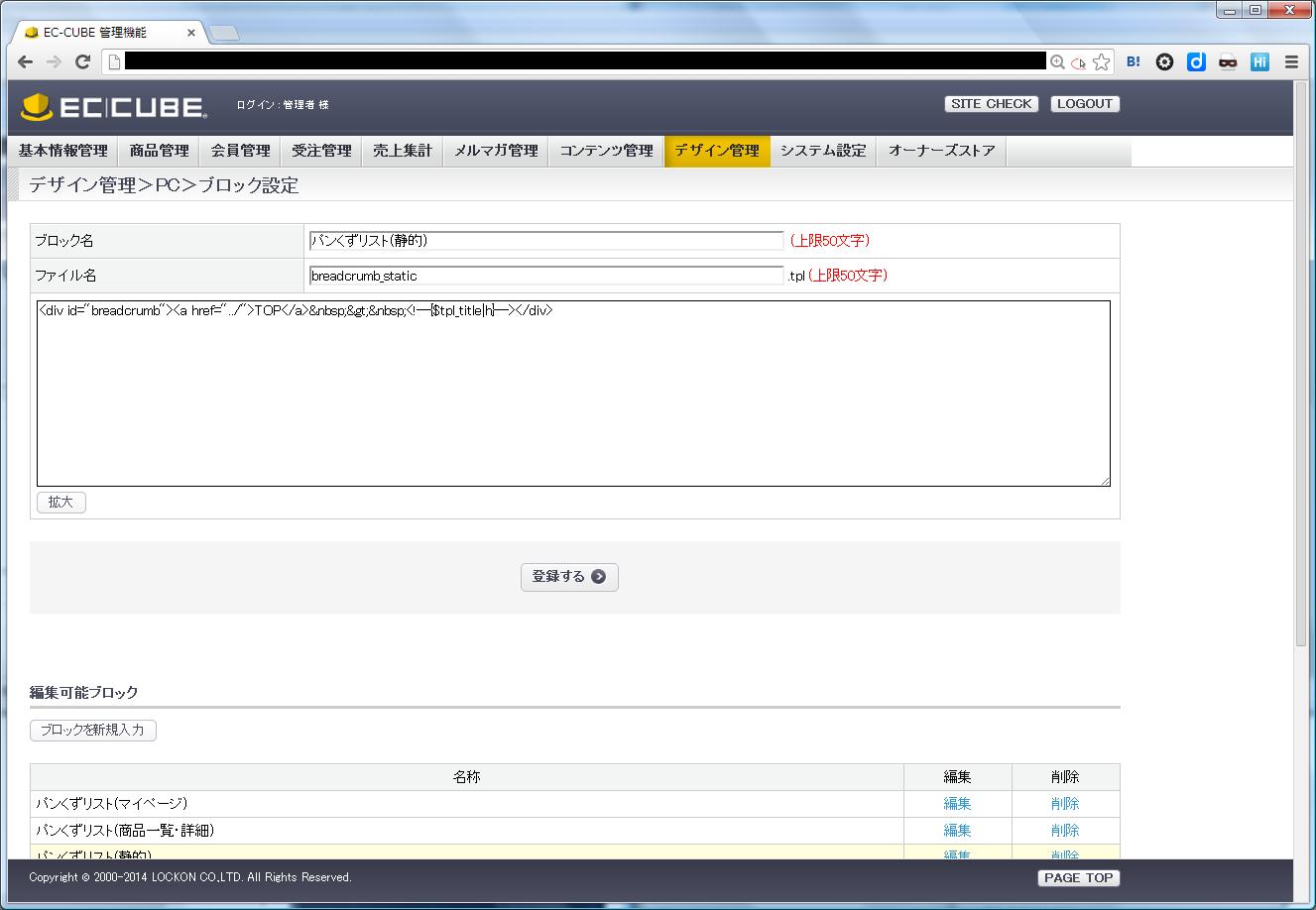
ブロック名:パンくずリスト(静的)
ファイル名:breadcrumb_static
<div id="breadcrumb"><a href="../">TOP</a> > <!--{$tpl_title|h}--></div>
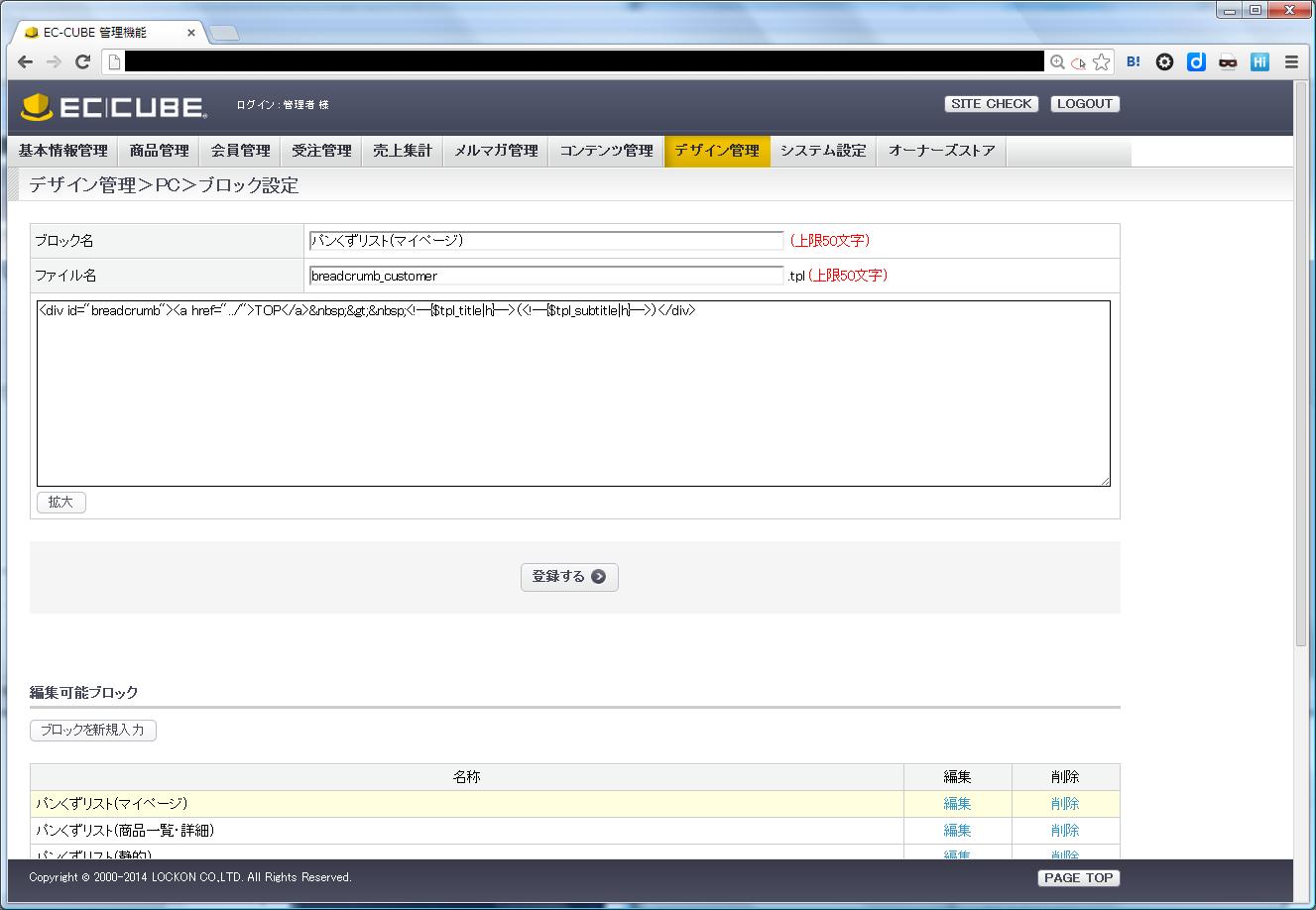
ブロック名:パンくずリスト(マイページ)
ファイル名:breadcrumb_customer
<div id="breadcrumb"><a href="../">TOP</a> > <!--{$tpl_title|h}-->(<!--{$tpl_subtitle|h}-->)</div>
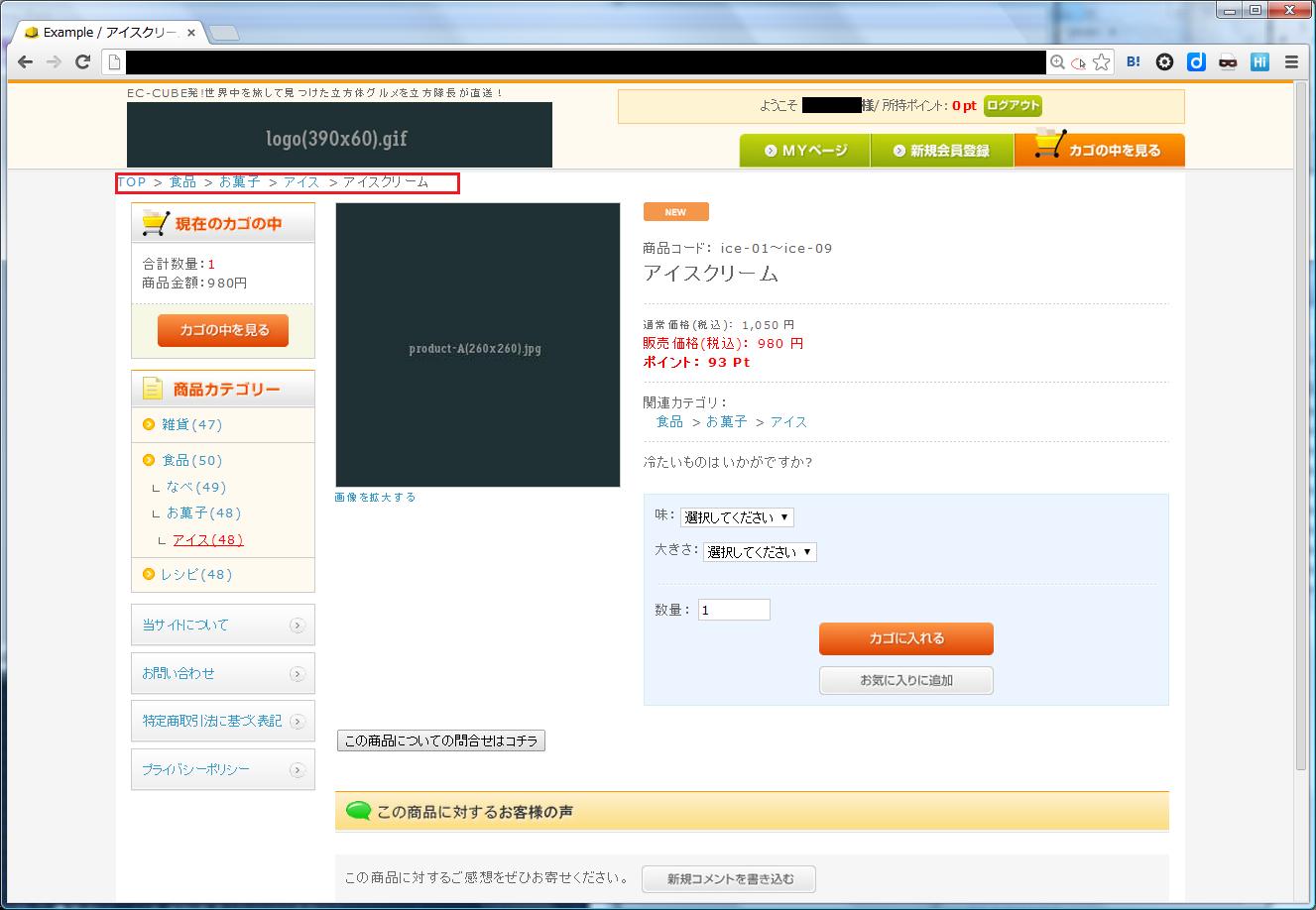
管理画面の『ページ詳細設定』から各ページの『レイアウト』にて
ページに該当するパンくずリストブロックを設定するとパンくずリストが表示される
商品一覧・詳細ページ
静的ページ

マイページ